Journal Entries
Single or multiple auto posting batches.


Structured data entry. Approval routing. Real-time validation.
All feeding directly into your MRI database.
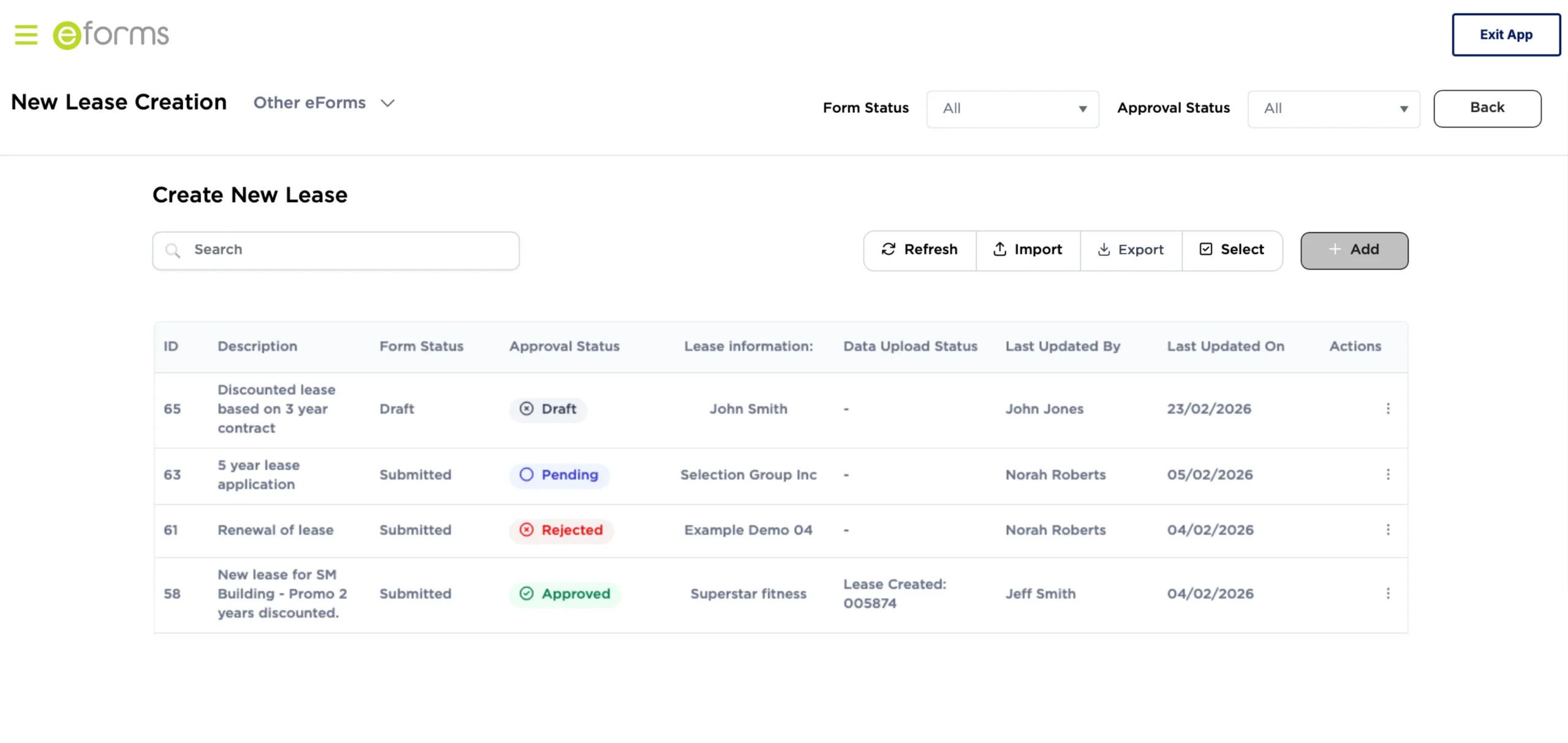
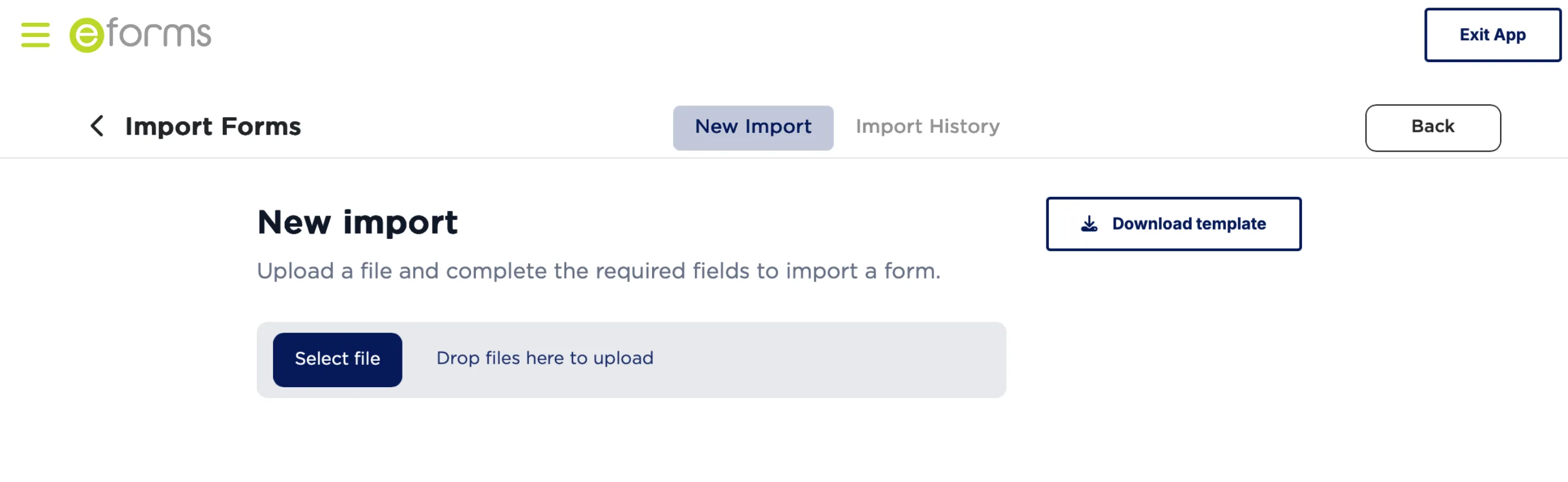
Your team already works in spreadsheets. eForms lets you import journals, vendors, invoices, charges, and leases directly into MRI, validated and approved before anything touches your database.
| Entity | GL Acct | Description | Amount |
|---|---|---|---|
| PROP-001 | 4200 | Rent accrual | 12,500 |
| PROP-002 | 5100 | Service charge | 8,750 |
| PROP-003 | 4200 | Insurance | 3,200 |
| PROP-004 | 6300 | Maintenance | 5,100 |
Your spreadsheet
Validate & approve
Clean data in MRI
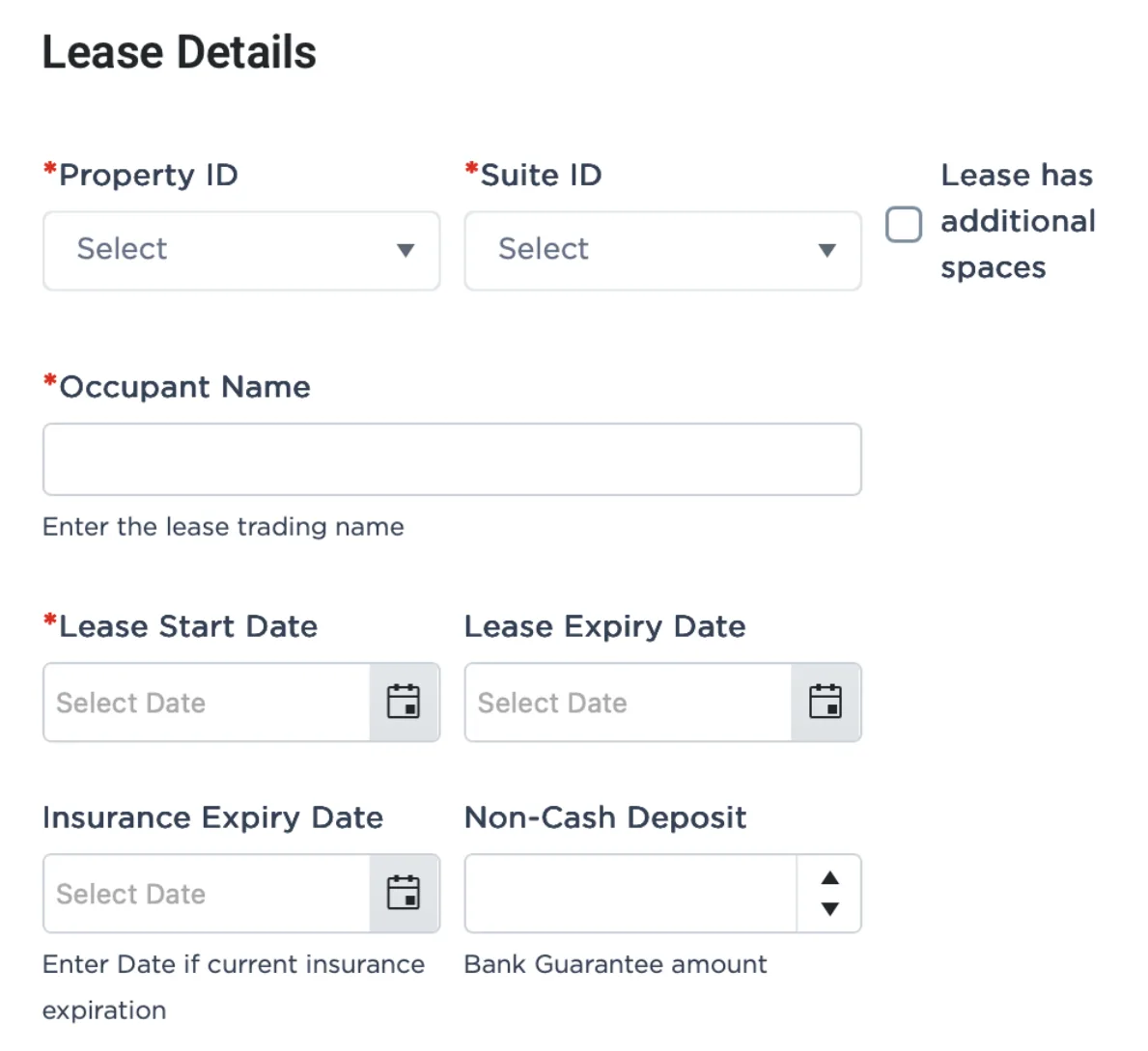
MRI gives you bulk import tools. eForms gives you forms anyone can fill out, no training required.
Add approval workflows before data hits MRI.
Enable external users to import, submit, and approve data.
Give them the access they need and nothing more.
Real-Time Validation
Transactional data example.
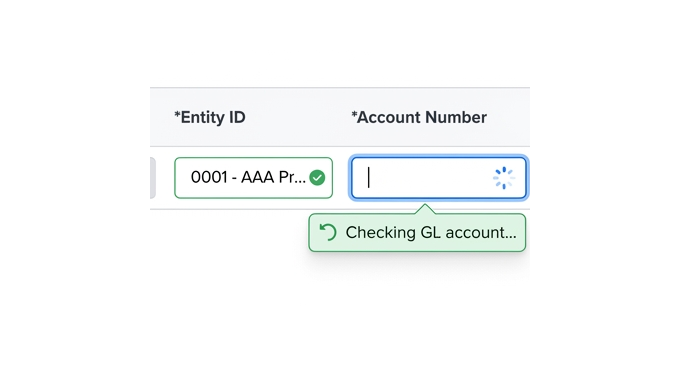
GL account gets checked against your MRI database immediately.
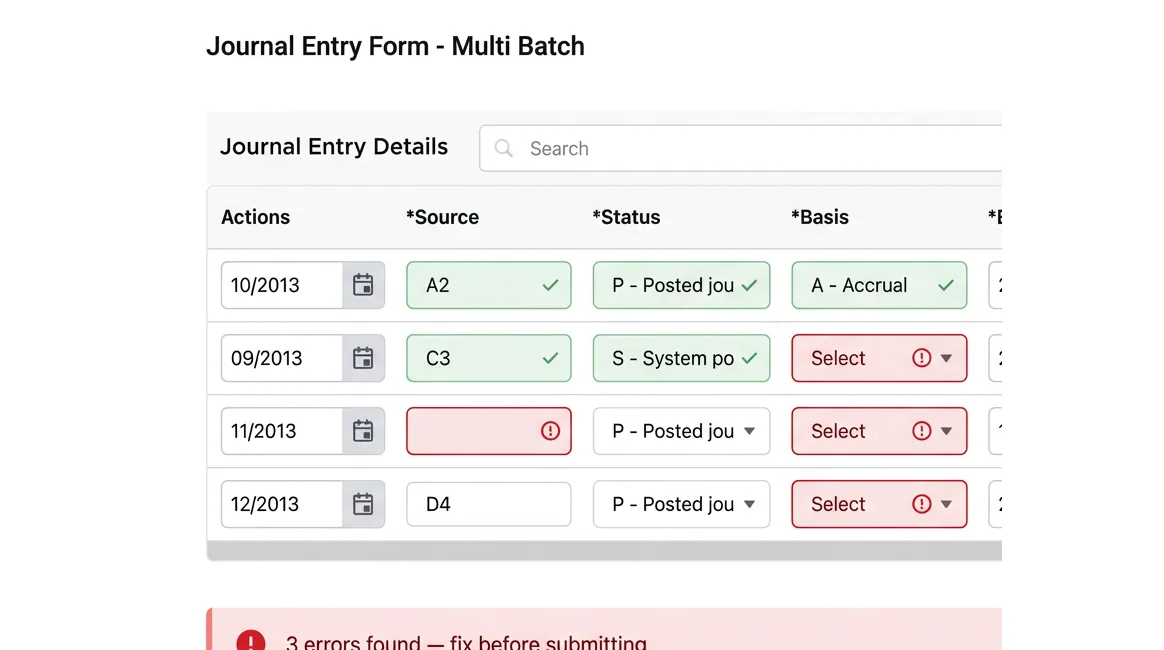
All fields verified. Journals balanced. Format checked.
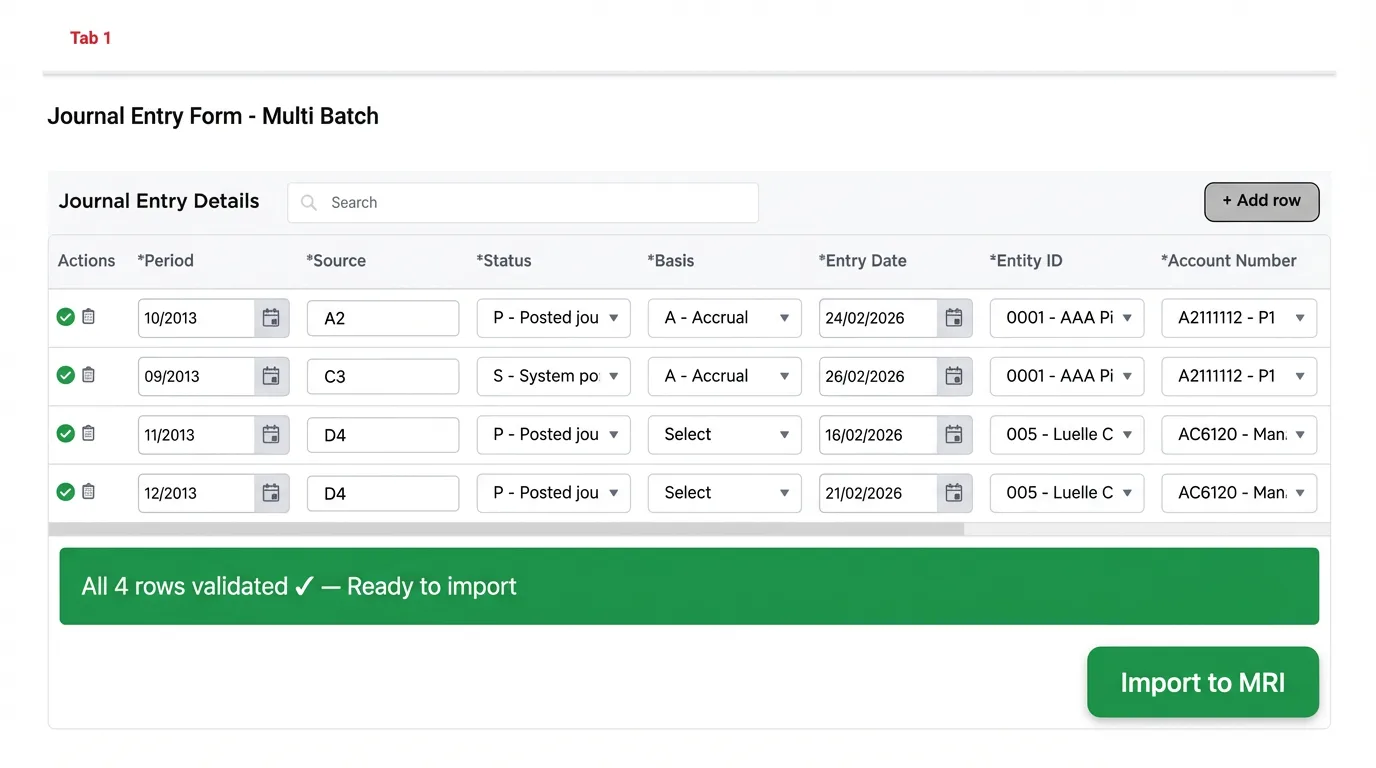
Clean data flows to MRI. No complicated error logs.
Start importing in minutes
Lease creation, renewals, and amendments with full validation workflows.
Single or multiple auto posting batches.
Structured invoice data with approval routing by amount or vendor.
Configure once, apply across hundreds of units.
Create any part of your property hierarchy: portfolios, entities, buildings, suites, and more.
Built for real estate finance
Process and schedule 1000s of journal entries with approval workflows.
Property administrators enter leases, finance captures charges, property managers approve into MRI.
Structured invoice entry with auto-routing by amount or vendor.
Configure once, apply to hundreds of units with validation.
Regional teams create buildings and units with approval layer.
Validate accounts, tenant details and charge codes before posting.
For one-at-a-time entry by team members.
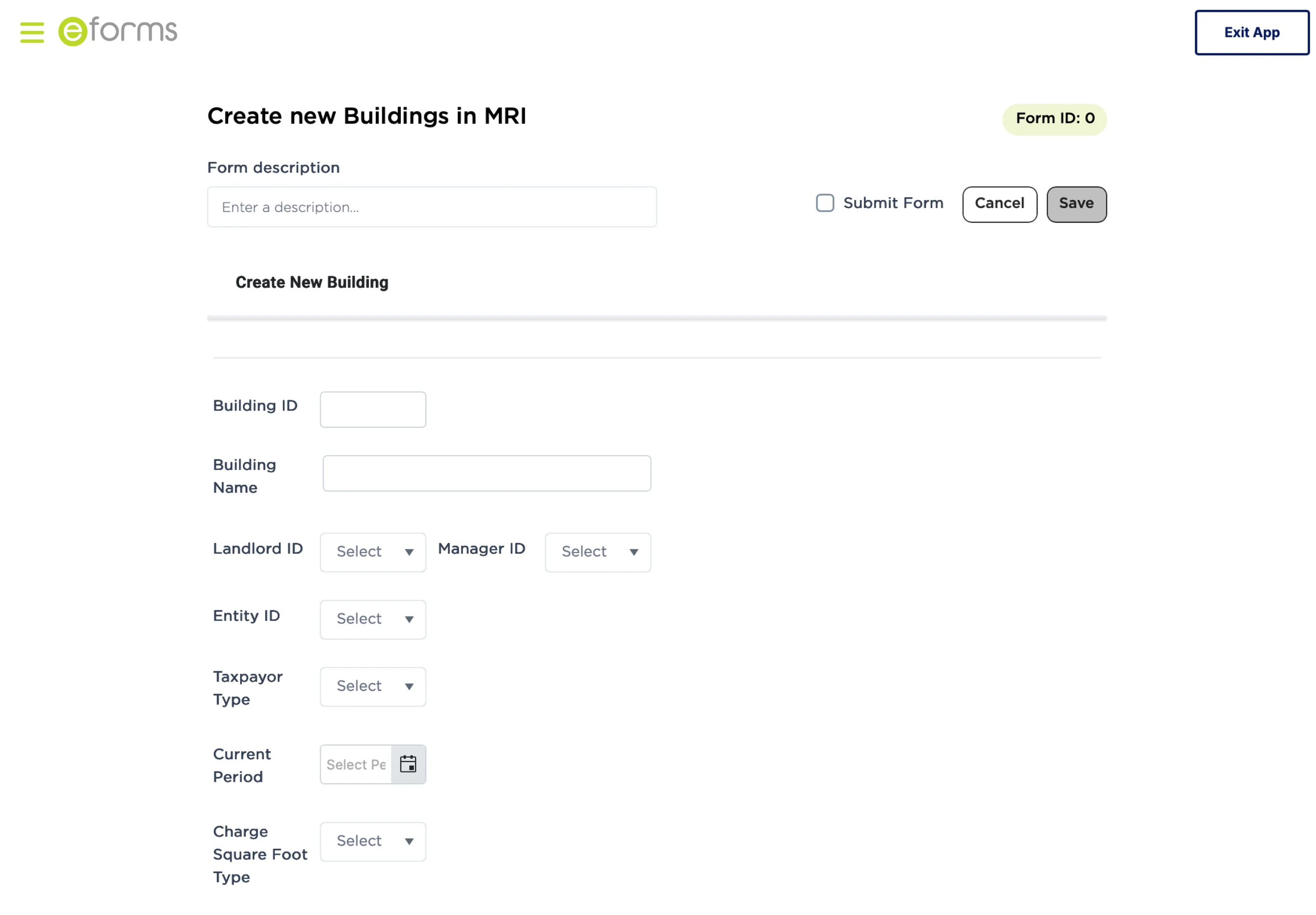
For bulk imports from your existing spreadsheets.
Connect third-party systems and auto-submit data into MRI through eForms.
add flexibility to your business workflows
Conditional logic:
Multi-step approvals:
Status tracking: See where submissions are in the process.
Security done your way
They enter data. You control what gets approved and goes into MRI.
Audit Trail
Every submission. Every change. Logged. Answer questions in seconds, not hours.

“Although still relatively new to Savills, eForms is already proving invaluable for teams managing repetitive, manual processes. We implemented the system smoothly and launched our first form in just under three months.”
“eForms represents a significant growth area for Savills Property Management, with plans for a wider rollout across EMEA. We're enthusiastic about the opportunities it brings and the resource savings it will undoubtedly deliver.”

Vague messages. No row numbers. No way to pinpoint the problem.
Exact row, exact field, exact issue. Fix it and resubmit.
Beyond templates
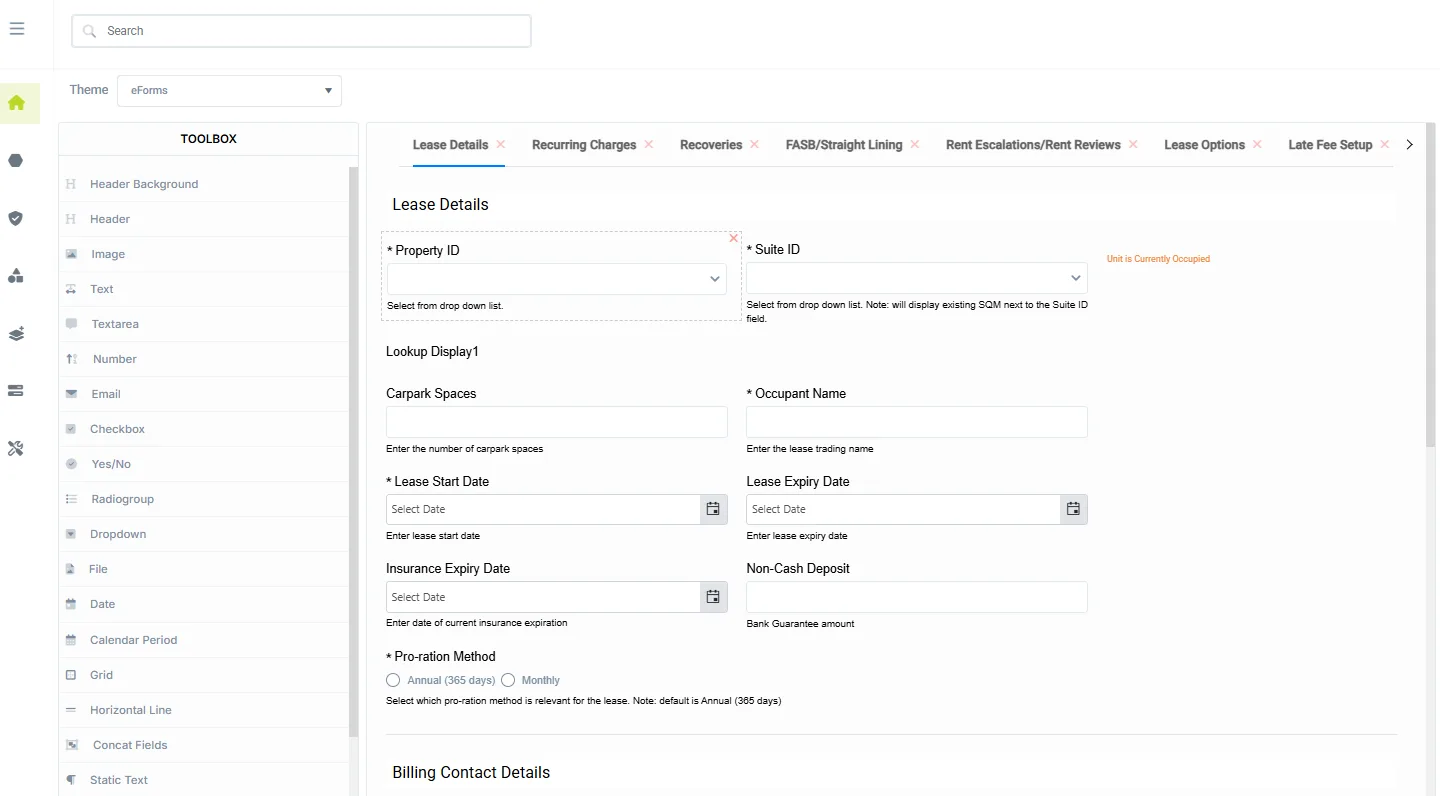
For monthly imports
Monthly accruals? Schedule each month's journal. Update amounts. Submit through the same approval flow.
Re-key every line. Every month.
Works with your MRI database
Data flows through standard MRI channels.

Your MRI Instance
20-minute demo. Your workflows. Your use cases.
Questions? sales@eboxsoftware.com